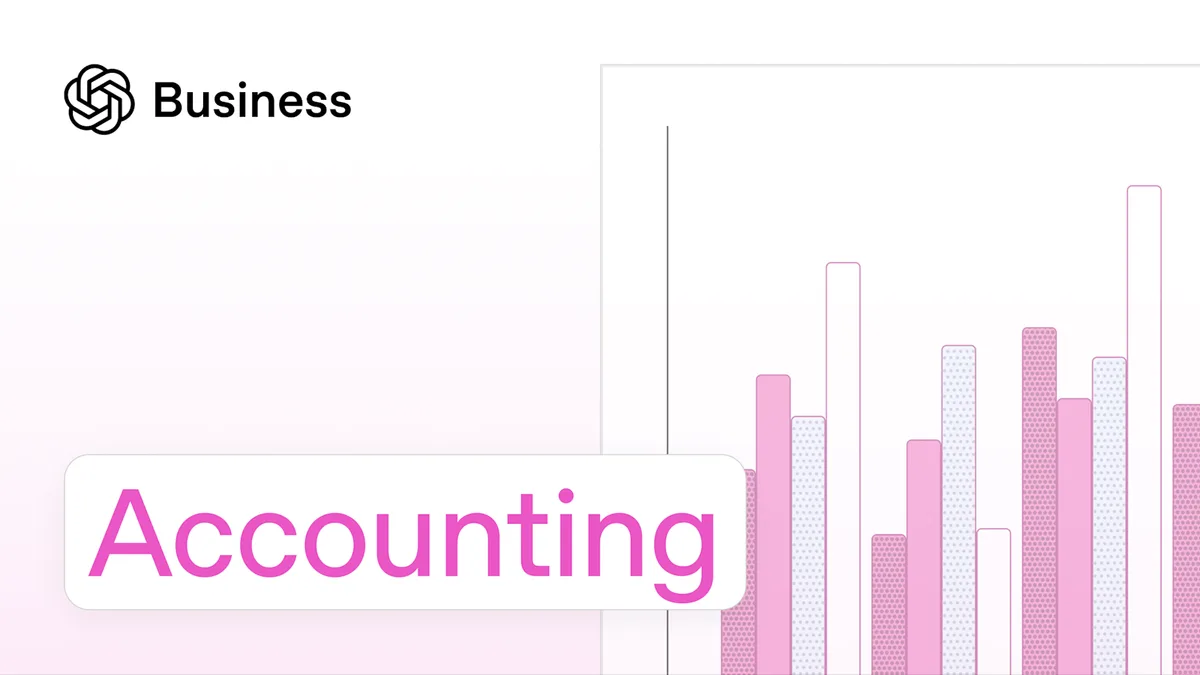
Announcement: on November 18, OpenAI added Accounting workflows to ChatGPT. The plugin can help reconcile transactions, prepare draft invoice entries and produce month-end reports from company records and templates. Installation is through the ChatGPT desktop app for macOS or Windows and requires computer use; availability depends on the plan and workspace. According to the setup guide, ChatGPT Business members can install Accounting without prior administrator approval, while an Enterprise administrator must approve the plugin first.
Users can provide an Excel template and relevant files or connect a supported accounting app. OpenAI lists BILL, Campfire, FreshBooks, Oracle NetSuite, Oracle QuickStart, QuickBooks Online, Rillet and Xero, among others, but read and write permissions and supported actions vary by plugin. The plugin is free to install; access to models, tools and usage depends on the plan. OpenAI advises checking calculations, assumptions and source records before a report or entry is shared or approved.
DigiDare guidance: for a Belgian SME, this can speed up preparatory work for invoices, bank reconciliation and month-end close, but it does not replace an accountant or internal control. Start with one closed period and a copy or read-only access, limit permissions to the correct company and accounts, and verify dates, currencies, VAT treatment, duplicates and missing documents against the source. Have an authorised staff member explicitly approve every entry, payment, filing and external report, and record which data, instructions and checks were used.
What does this mean for your business? ↗